AI voice over for e-learning courses in your own voice
AI voice over for e-learning turns your lesson scripts into narration in your own voice. With IdClone you record a 60 second sample once, pass a live check and speak a consent phrase, then paste each lesson script and export the narration as WAV or MP3 for Articulate, Captivate, Camtasia or any editor. Plans start at $49 a month, or $24 a month billed yearly, with 40 voice clone minutes.
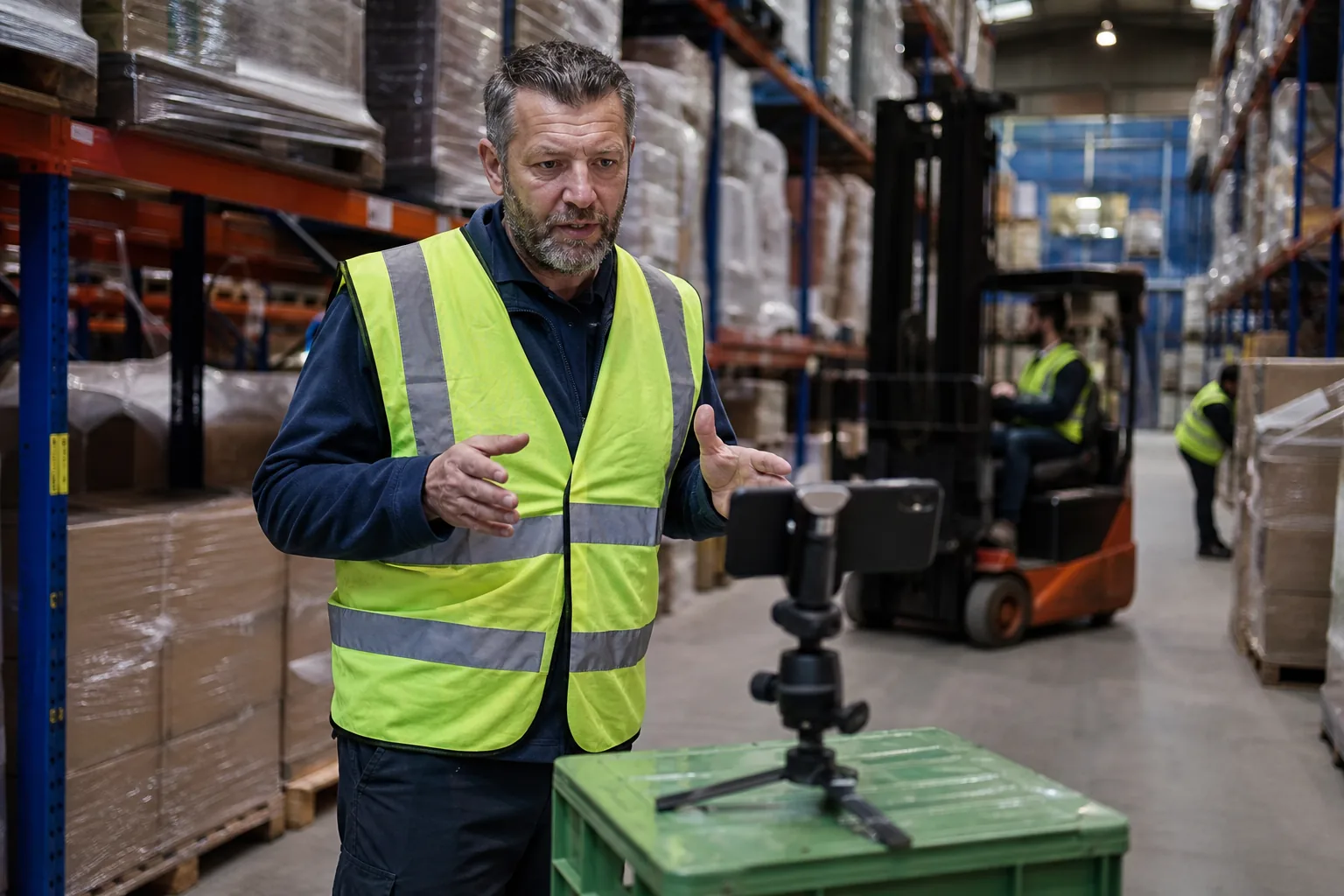
Why course narration breaks every time the content changes
Recording a course is a one time job only on paper. Software screens change, a regulation is revised, a price moves, a module gets a new example. Each change means a new take, and the new take has to sit next to narration you recorded months ago, with a different microphone position, a different cold and a different mood.
Most instructional designers solve this by living with it: they re-record whole modules, or they swap in a stock text to speech voice that nobody on the learner side believes is the instructor. Both cost money. The first costs studio hours and calendar time from the subject matter expert. The second costs trust and completion rates.
A voice clone moves narration from the booth to the script. You change the sentence, render that paragraph again, and the lesson sounds like the same person recorded it on the same day.
What course creators and training teams narrate with a voice clone
Use your clone wherever the words change more often than the delivery.
- Lesson narration for slide based and screen recorded modules
- Compliance, onboarding and product training that gets revised every quarter
- Software walkthroughs where the interface changes with each release
- Module intros, summaries and quiz feedback read in the instructor's voice
- Spanish and other language versions of the same course, in the same voice
- Webinar replays and cohort course lessons turned into an evergreen library
Keep the live parts live. Office hours, coaching calls and Q and A sessions are what students pay for, and the clone covers the scripted material around them. If you also sell video lessons, AI clone for coaches shows how the same recording once idea works with your face on screen.
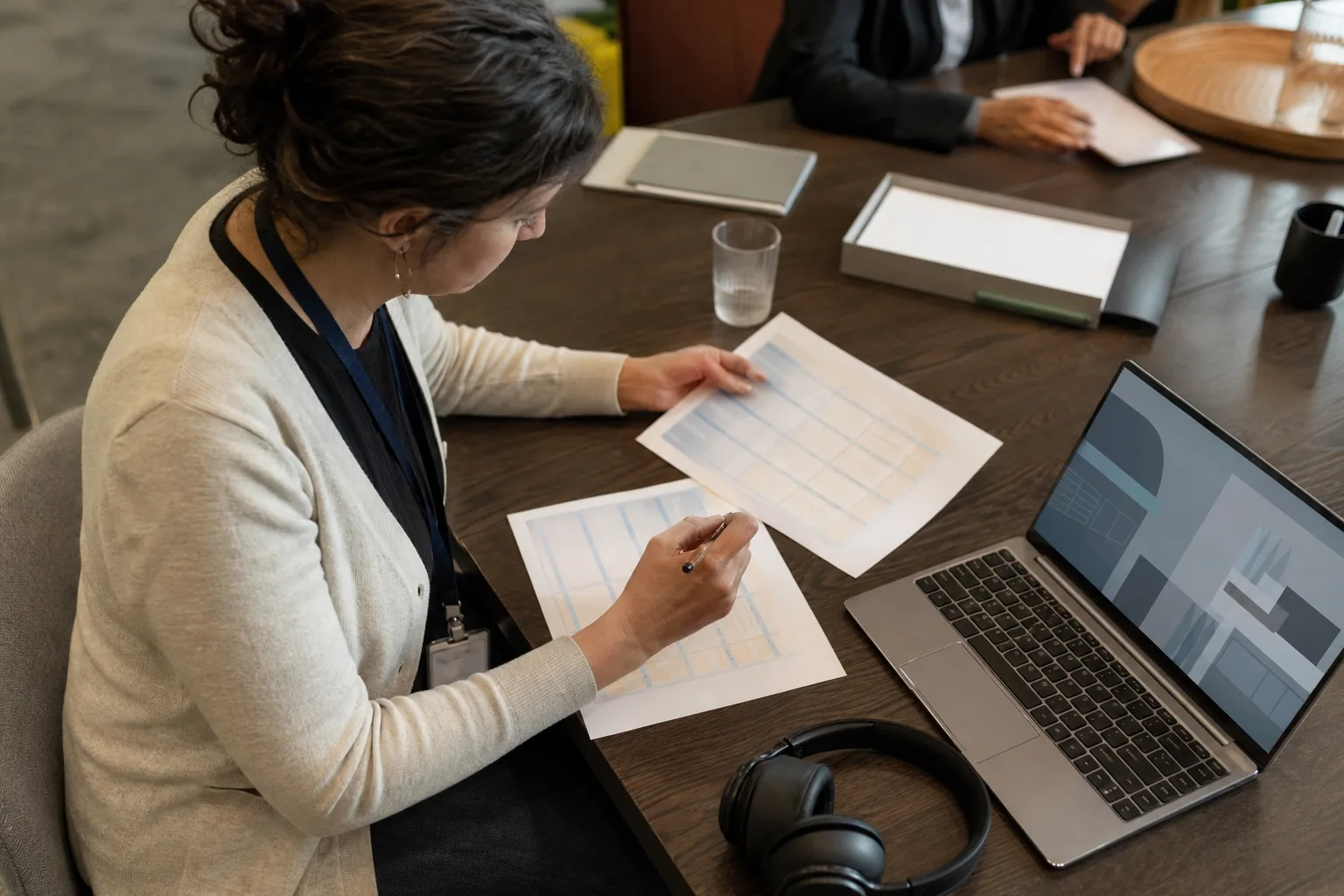
Step 1 record your voice sample with your own consent
Read the on-screen passage for about 60 seconds in a quiet room, using the microphone you already use for lessons. Your clone then matches the voice your students know. The guide to cloning your own voice covers room, mic distance and gain.
You then pass a live check and read a spoken consent phrase that is unique to your session. Nobody can clone you from a published course, and you cannot clone a colleague from their lessons. A second instructor records their own sample and consent from their own invite. See consent and safety for how this works.
Step 2 paste the lesson script and set pronunciation
Paste one lesson at a time. Write the way you teach: short sentences, the term first and the definition right after it, and a pause where the learner should look at the screen. Break the script at slide changes so each paragraph renders as its own clip and lines up with the visuals.
Course content is full of words a text model has never heard: product names, acronyms, drug names, legal terms, internal tool names. On Pro and above you add them to the pronunciation dictionary once, and every lesson in every future course says them the way you do. Fix a mispronounced term once and it stays fixed.
Step 3 export the audio and sync it to your slides
Export each lesson as WAV for editing or MP3 for quick review. Drop the clips into your authoring tool, set the slide timing to the audio and add captions from the same script, which also covers accessibility requirements for corporate training. Listen to every module once before you publish. A clone reads what you typed, so a typo becomes a spoken typo.
When the content changes next quarter, edit the paragraph, render only that paragraph and replace one clip. You pay minutes for the lines you render, not for the whole course again.
What an e-learning course costs in voice minutes
Voice clone minutes count the finished audio you export. Estimate the narrated length of the course, add about 10 percent for fixes and pick the plan.
| Plan | Price | Voice clone minutes per month | What it covers |
|---|---|---|---|
| Starter | $49 a month, or $24 billed yearly | 40 | One short course of about 30 to 35 minutes of narration, in 10 languages |
| Pro | $149 a month, or $74 billed yearly | 120 | A full course of 90 to 100 minutes, or a 45 minute course plus a Spanish version, with the pronunciation dictionary |
| Business | $499 a month, or $249 billed yearly | 300 | A training team updating a library of courses, with 5 clones and 10 seats |
| Enterprise | $1,499 a month, or $749 billed yearly | 700 | Large course libraries and translated editions, with SSO and audit log export |
A translated version counts its own length, so a 40 minute course in English and Spanish uses 80 minutes. Rendering a paragraph twice counts twice. Compare every allowance on plans and pricing. A course library is usually produced in one burst and revised in small pieces, so many teams pick a plan for the launch month and move down afterward.
Narrate the same course in Spanish and other languages
Spanish is the fastest way to widen a US course audience without hiring a second instructor. Starter covers 10 languages and Pro and above cover 30+, all in your own voice. Translate the script, have a fluent speaker review it, and render it as a separate set of clips.
If your lessons are video with a presenter, the AI video translator and AI video dubbing translate the footage and adjust the lips to the new language. For a full training program with a presenter, see the AI training video generator.

Tell learners when narration is synthetic
Learners accept synthetic narration when you are honest about it and the content is good. A short line in the course intro, such as "narration in this course is generated from the instructor's own voice", is enough. Every IdClone export carries an AI label and content credentials, and your consent record is stored with your clone.
Employers buying training sometimes require disclosure in the contract, so check before you deliver. The rules for using a cloned voice are covered in is voice cloning legal.
Who it fits and who should keep recording
A voice clone pays off for course creators who revise often, corporate trainers with quarterly updates, software companies with release-driven tutorials and agencies that produce courses for several clients. It is a weaker fit for emotional storytelling and live teaching, where the delivery is the product. For voice-only work beyond courses, voice cloning software for business lists what to check, and voice cloning explains how IdClone builds and protects your clone.
Questions and answers
Can I use AI voice over for e-learning courses?
Yes. You can clone your own voice and use it for lesson narration, module intros, quiz feedback and translated versions. IdClone builds the clone from a 60 second sample after a live check and spoken consent, and exports WAV or MP3 for your authoring tool.
How much does AI voice over for e-learning cost?
IdClone starts at $49 a month, or $24 a month billed yearly, with 40 voice clone minutes, enough for a short course of about 30 minutes. Pro at $149 a month includes 120 minutes and the pronunciation dictionary, enough for a full course of 90 minutes.
Is a cloned voice better than a stock text to speech voice for training?
For courses with a known instructor, usually yes, because learners hear the person they signed up for. A stock voice is fine for anonymous reference material. A clone keeps one consistent voice across modules and years, even when different people update the scripts.
Can I update one lesson without re-recording the course?
Yes. Edit the paragraph in the script, render only that paragraph and replace the clip. You pay voice minutes for the paragraph you render. The rest of the narration stays exactly as it was, so the module still sounds like one recording.
Can a voice clone narrate my course in Spanish?
Yes. Your clone speaks Spanish and other languages in your own voice. Starter covers 10 languages and Pro and above cover 30+. Paste a reviewed translation, render it as a separate set of clips and place it in a Spanish version of the course.
Is it legal to clone my voice for a course?
Cloning your own voice is legal in the US. Cloning someone else without permission can violate right of publicity laws and platform rules. Keep your consent record, tell clients how the narration is produced and disclose synthetic narration to learners.
Put your next lesson in your own voice
Paste a lesson script and preview how many minutes it uses. Choose the plan that fits your course length, then record your verified voice sample and render your first module.