Lip sync AI for footage you recorded yourself
IdClone matches your mouth movements to new audio on video you already recorded. Correct a wrong figure in a training module, replace an outdated product name or add a Spanish version of a webinar clip, and the result looks like you said it on the day of filming. AI lip sync in IdClone works only on footage of you or of a teammate who recorded their own consent.
What AI lip sync does
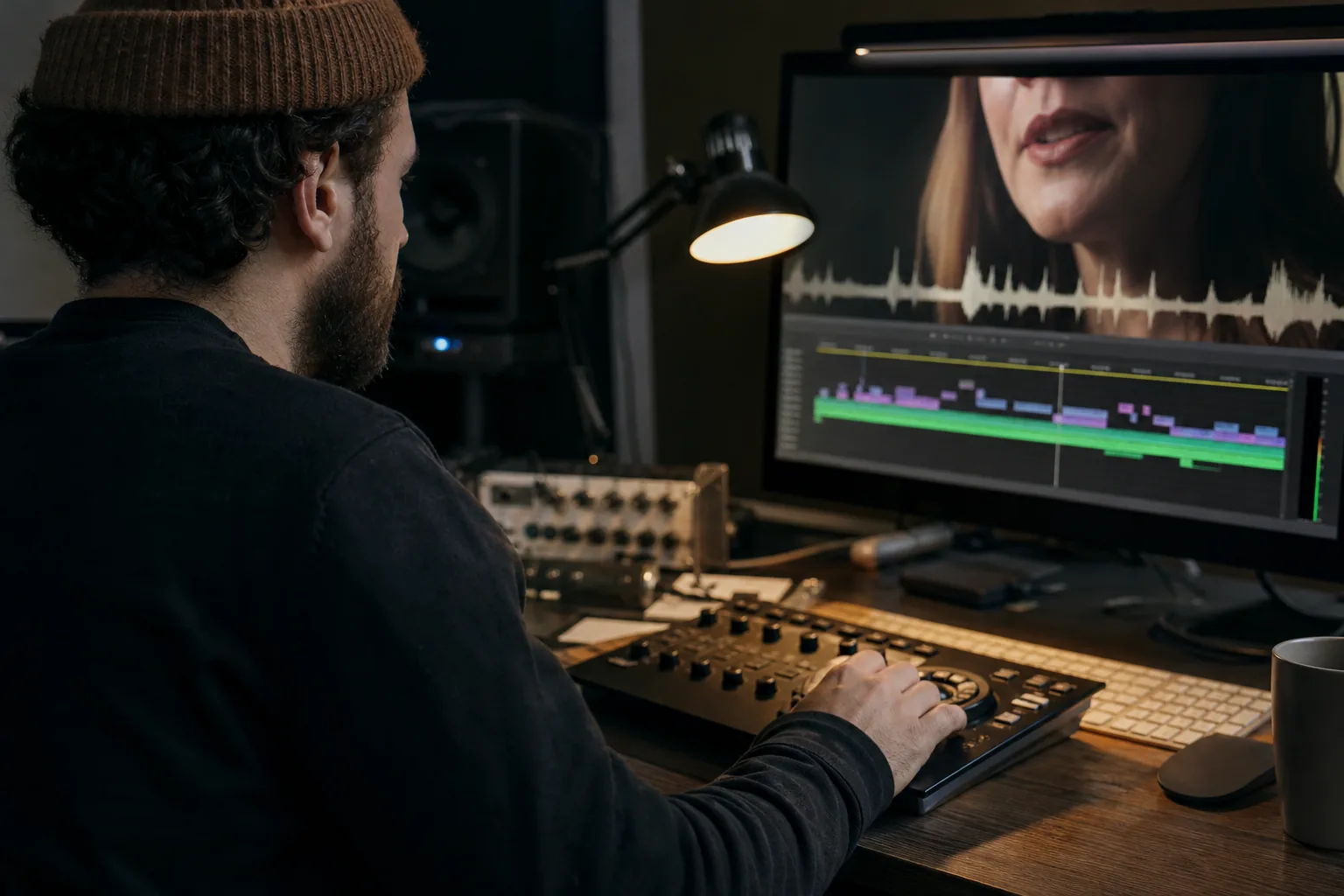
Lip sync AI analyzes the face in a video and regenerates the area around the mouth so that it follows a new audio track frame by frame. The rest of the shot (your eyes, hands, background and lighting) stays as recorded. Done well, a viewer sees a natural take, not a dubbed one.
In IdClone the new audio usually comes from your own voice clone. You edit the transcript, IdClone speaks the changed lines in your voice and syncs your lips to them. You can also upload a clean recording of yourself reading the new lines if you prefer to speak them in person.
When teams use it instead of a reshoot
Each of these used to mean booking the person, the room and the editor again. With lip sync the fix is a text edit and a render.
A compliance video quotes last year's limit and the new one takes effect next week
A product demo shows the right screen but says the old feature name
A sales intro was recorded for one prospect and you want the same take for another account
A course lesson needs a short correction in the middle, not a whole new recording
A presenter's talk needs a German or French version with matching mouth movement
From existing footage to a synced take
Renders count their length against your avatar video minutes, the same pool used by Script to video and translation.
- 1Upload the clip of yourself, up to the length your plan minutes allow
- 2IdClone transcribes it and shows the text next to the timeline
- 3Edit the lines you want to change, or upload replacement audio
- 4Render the changed section or the whole clip and review it before export
- 5Export in 1080p on Starter, or in 1080p and 4K on Pro and above
Only on your own footage
This is the rule that matters most. Lip sync can put words in a person's mouth, so IdClone only runs it on footage of a person whose clone and consent are on record in your workspace. The face in the uploaded clip is matched to the verified clone; a clip of anyone else is rejected.
- No footage of politicians, public figures or celebrities
- No clips of colleagues, clients or executives who have not recorded their own consent from their own invite
- No impersonation, deception or adult content
- Nothing related to identity documents, which are never uploaded or processed
Every export can carry content credentials metadata and a visible AI-generated label. The full policy is on the consent and safety page.

Tips for a natural result
Use footage where your face is lit from the front and the mouth is not covered by a hand or a microphone
Avoid strong head turns during the lines you change; small natural movement is fine
Keep replacement lines close in length to the originals so the pacing feels the same
Use the pronunciation dictionary (Pro and above) for names and acronyms
Watch the edited section at full size before export, then at the size your audience will see it
Lip sync minutes per plan
Avatar video minutes per month are 8 on Starter, 25 on Pro, 90 on Business and 300 on Enterprise. Starter costs $49 a month or $24 a month billed yearly ($288), Pro $149 or $74 ($888), Business $499 or $249 ($2,988) and Enterprise $1,499 or $749 ($8,988). Yearly billing saves 50 percent and there is no free plan. Compare everything on IdClone pricing.
Lip sync inside the rest of IdClone
Lip sync is the engine behind two other features. The AI video translator uses it to make translated speech match your mouth, and AI video dubbing uses it to replace a whole soundtrack in another language. When you have no footage at all, Script to video renders a new take of you from a typed script, as described in how IdClone works.
Questions and answers
Can I lip sync a video of someone else
Only if that person has their own verified clone in your workspace, created from their own invite with their own consent recording. Clips of anyone else are rejected.
Does lip sync change my whole face
No. It regenerates the area around the mouth and jaw so it follows the new audio. Eyes, gestures, background and lighting stay as recorded.
Do I need my voice clone for lip sync
Not necessarily. You can type new lines and let your voice clone speak them, or upload a clean recording of yourself reading them.
How long can a clip be
Any length your remaining avatar video minutes cover. A two minute clip uses two minutes, whether you change one line or the whole script.
Will viewers know the video was edited
You decide. Every export can carry a visible AI-generated label and content credentials metadata, and we recommend disclosure for edited footage.
Fix your next video without a reshoot
Paste the script of the video you want to change and see how many minutes it uses and which plan covers it.