AI training video generator presented by your real trainer
Training content goes out of date faster than anyone can film it. IdClone is an AI training video generator that keeps your real trainer on screen: the trainer records a short clone session once, and from then on every policy change, onboarding step or compliance refresher becomes a script that your team edits, approves, translates and renders.
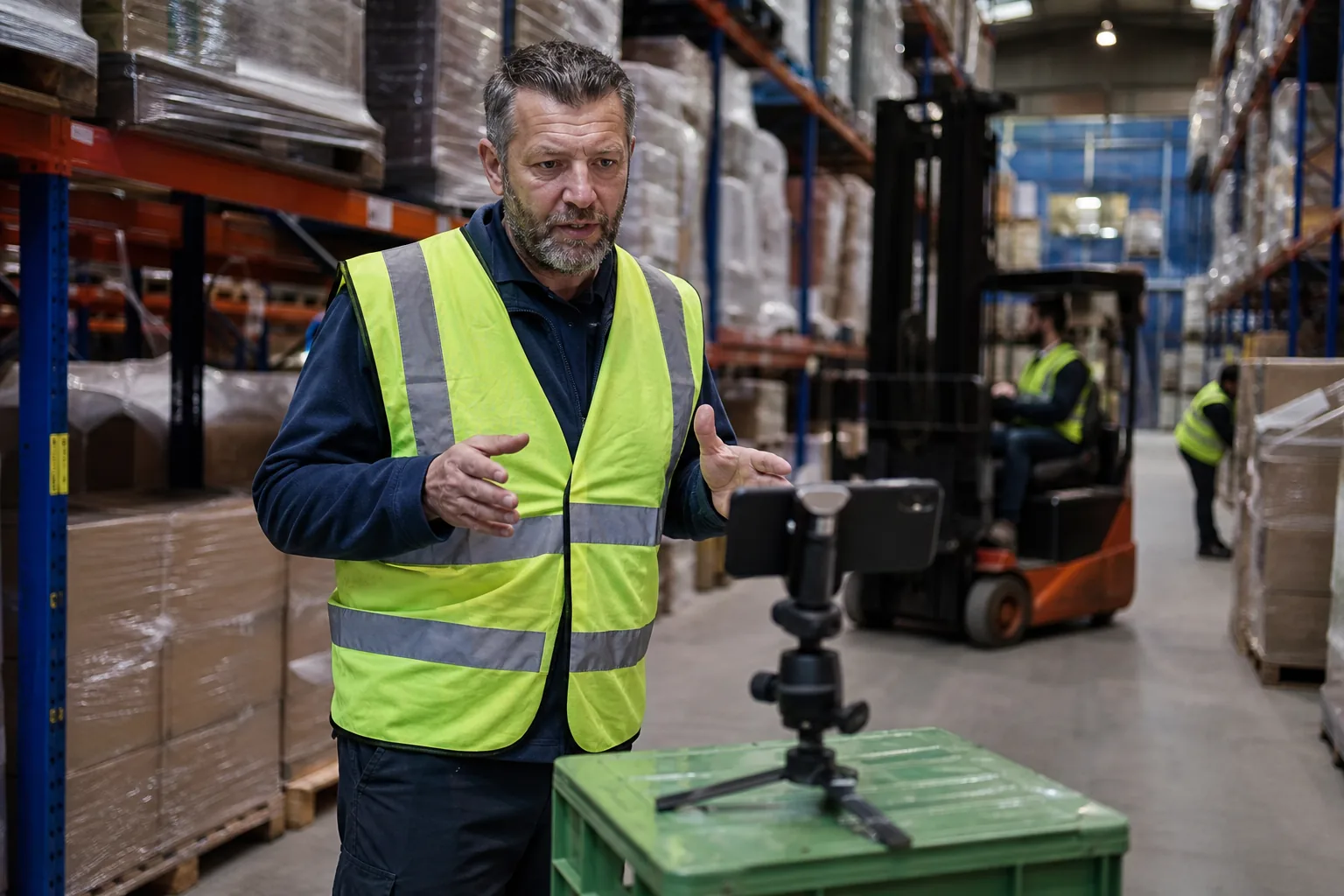
Why training videos fall behind
A single sentence changes in the expense policy and the whole module is wrong. Reshooting means booking the trainer, the room and the lighting again, editing, and repeating the work for every language the company operates in. Most teams give up and send a PDF, and completion rates drop because learners skip text they could have watched in two minutes.
AI generated training videos change the unit of work from a shoot to a paragraph. The trainer's clone presents the new version, the reviewer checks it, and the updated video replaces the old one in your learning platform the same day.
How an L&D team works with IdClone
The trainer does not need to be present for any of this after the first session. Their consent and identity check are on record, and the trainer can see in the audit log which videos were rendered with their clone. Read the full flow on how it works.
- 1The trainer records two minutes of video and sixty seconds of voice, then passes the live selfie check and spoken consent
- 2An instructional designer writes or pastes the module script and splits it into scenes in the editor
- 3Product names, acronyms and regulation numbers go into the pronunciation dictionary once
- 4A reviewer approves the render on Business and Enterprise, so nothing ships without sign-off
- 5Translations are reviewed line by line before rendering in each language
- 6The final files export in 1080p, or 4K on Pro and above, ready for upload to your learning platform
Training content teams update most often
- Compliance refreshers when a regulation or internal rule changes
- Onboarding welcomes and first week walkthroughs for each new group of hires
- Product training for sales and support after each release
- Safety briefings for different sites and shifts
- Manager training snippets that turn a long workshop into short lessons
Each of these used to be a filming project. With a clone of the trainer, they become an editing task measured in minutes. For a broader view of what teams build, see use cases, and for translated versions read translating training videos.
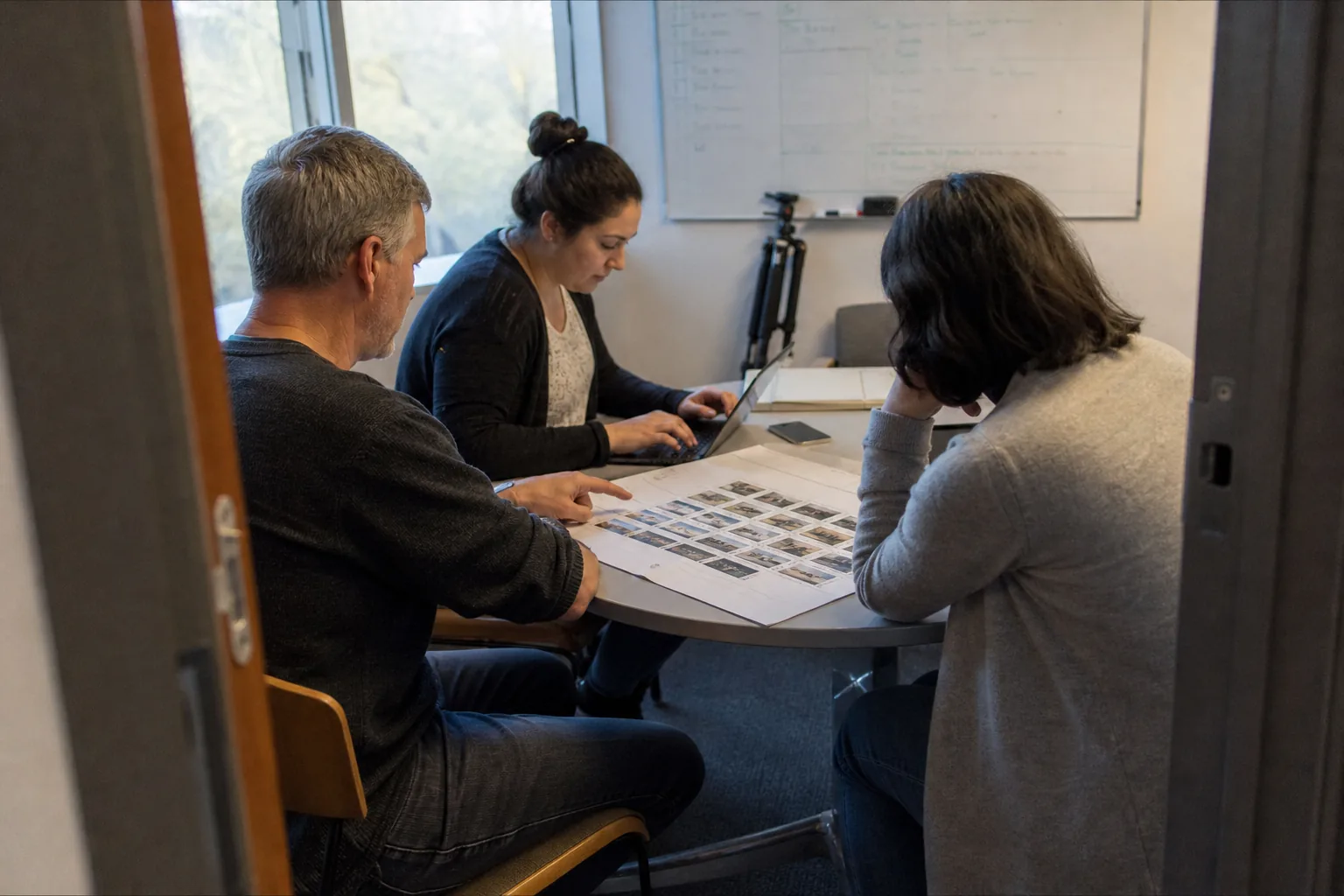
One module, every language your workforce speaks
Global teams need the same compliance message in English, Spanish, German, Portuguese and more. IdClone translates the approved script into 30+ languages on Pro and above, keeps the trainer's own voice and matches lip movement to each language. Reviewers fluent in each language can correct terminology before rendering. Translated versions count their length against your video minutes, so a five minute module in four languages uses twenty minutes. If you only need to translate footage you already have, the AI video translator works on existing recordings.
Why learners respond to a familiar face
New hires meet the trainer on day one and see the same person in every module after that. That continuity matters more than polish. A stock presenter reads the policy, but a known trainer speaking in their own voice signals that the company stands behind it. Because the clone is built from the trainer's own footage, it uses their framing and the room they usually record in, so updated modules sit naturally next to older ones.
If the trainer leaves the company, their clone can be deleted at any time and its model files are removed. Teams then record a new clone with the next trainer, who passes their own consent check.
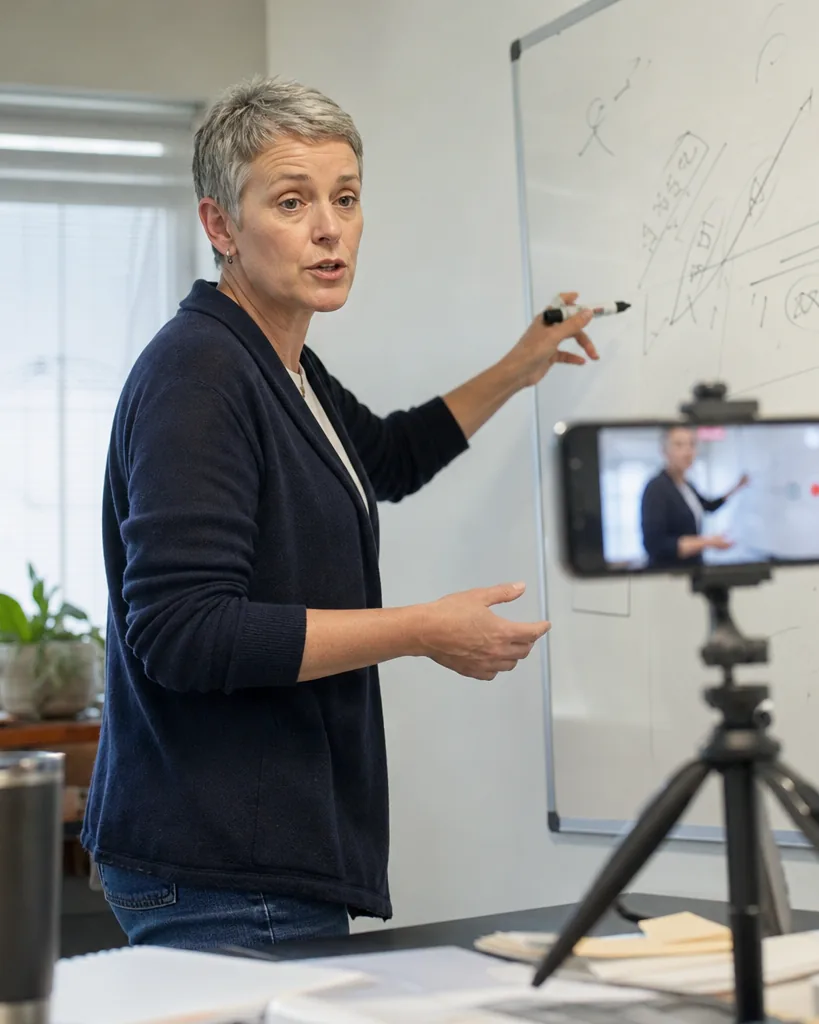
Records your compliance team will ask for
The full policy, including what the service never allows, is on consent and safety. Larger organizations can review SSO, SLA and DPA details on enterprise.
A consent record for each clone, exportable on Business and Enterprise
Roles for owner, editor and reviewer, with approval before publishing
An optional visible AI-generated label and content credentials metadata on every export
An audit log of renders, exportable on Enterprise
SSO (SAML) and SCIM on Enterprise for user management
Recordings used only for your clones, never to train shared models
Which plan fits a training team
Most L&D teams choose Business at $499 a month, or $249 a month billed yearly: five clones, 90 avatar video minutes, 300 voice clone minutes, ten seats, roles, approvals and consent record export. Organizations with several trainers and many languages choose Enterprise at $1,499, or $749 yearly, with twenty clones, 300 video minutes, fifty seats, SSO and a 99.9 percent uptime SLA. A single trainer or a small academy can start on Pro at $149, or $74 yearly, with 25 minutes. Yearly billing saves 50 percent. Compare plans on pricing.
Questions and answers
Does the trainer need to record every update
No. The trainer records once to create the clone and passes the consent check. After that, editors write the script and the clone presents it.
Can we use our training video generator output in our learning platform
Yes. You download finished video files in 1080p or 4K and upload them to whichever learning platform you already use.
How accurate are translated training videos
You review and edit every translated line before rendering, and the pronunciation dictionary keeps product and regulation names consistent. We recommend a fluent reviewer for each language you publish.
Can a manager create a clone of the trainer without them
No. A clone is built only from the trainer's own recording, sent from their own invite, with a live selfie check and a spoken consent phrase.
How many training minutes do we get
Starter includes 8 avatar video minutes a month, Pro 25, Business 90 and Enterprise 300. Translated versions count against the same minutes.
Update your next module without a shoot
Paste the paragraph that changed in your latest policy and preview how it splits into scenes and how many minutes it uses. Then create your account and invite your trainer.