AI clone consent and safety, built in before a clone exists
AI clone consent and safety at IdClone is not a setting you switch on later. Before any clone is built, the person being cloned proves they are present with a live selfie check and speaks a consent statement with a one time phrase, and both are matched to their own training footage. After that, every export can carry an AI label and content credentials, every clone keeps its own consent record, and the person can have their clone deleted at any time. This page explains each safeguard in plain words for the people who have to sign off on the tool: legal, compliance, security and brand.

One principle behind every rule
An IdClone clone is a copy of your own likeness, made by you, for videos you approve. It is never a copy of someone else. That single principle decides what the product allows. A person can clone themselves. A teammate can be cloned only when they record their own footage and their own consent. Nobody can upload a video of another person, and nobody can clone a public figure. No identity documents are part of any step, because proving it is you happens live, in front of your own camera.
The live selfie check
When you open the clone studio, the first step is a live check with your phone or webcam. You follow short on-screen prompts, such as turning your head, so IdClone can confirm a real person is in front of the camera at that moment rather than a photo or a replayed video. The face from the live check is then compared with the face in the two minute training video you record. If they do not match, the clone is not built.
Spoken consent with a one time phrase
Next, you read a short consent statement aloud. It says that you agree to IdClone building a video clone and voice clone of you for use in your workspace. At the end you read a one time phrase that IdClone generates for this session only, a short random sequence of words that cannot be prepared in advance. The recording is matched to your training footage and your 60 second voice sample: the same face, the same voice, the same session. A pre-recorded clip or someone else's voice cannot pass this step, because nobody knew the phrase before the session began.
How a teammate's clone is created
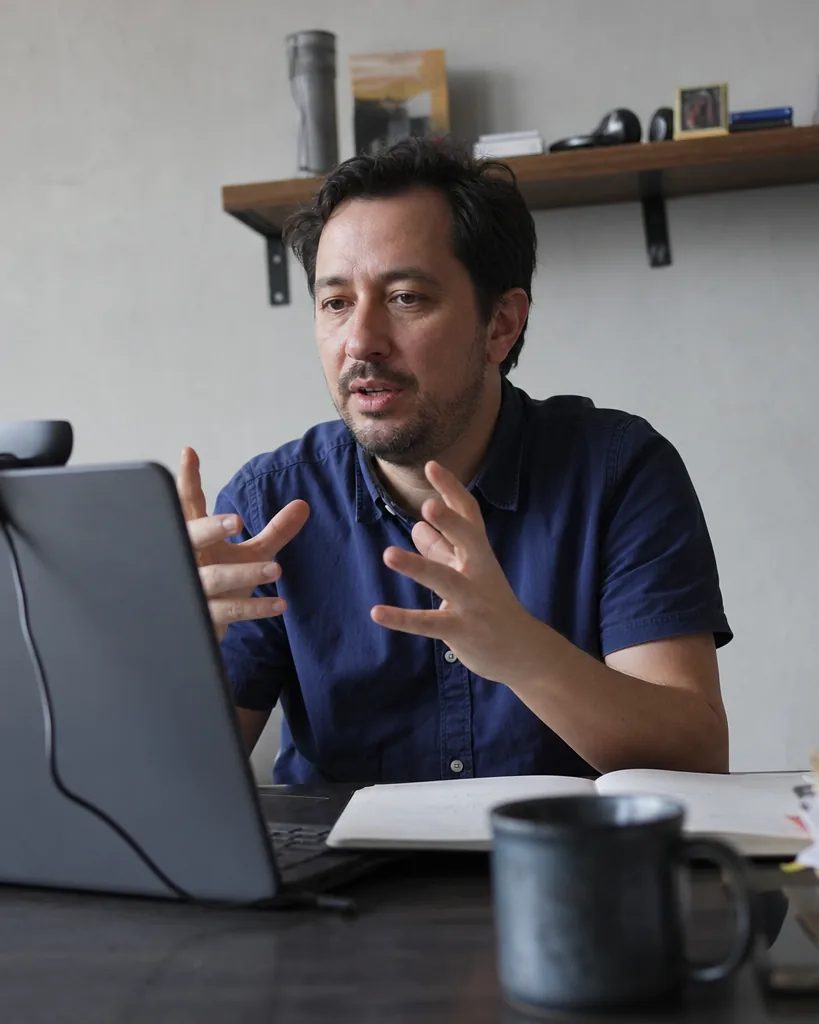
Workspace owners on Pro, Business and Enterprise often need clones of colleagues: a trainer, a sales lead, a founder. The owner sends an invite to the colleague's email. The colleague opens their own invite, records their own training video and voice sample, and completes the live selfie check and spoken consent themselves. The owner never uploads footage on anyone's behalf. Until the colleague finishes the consent step, there is no clone to render with. On Business, the clone appears in the workspace with its consent record, which can be exported.
Who cannot be cloned
Attempts to build these clones are stopped at the consent step, and the account may be closed under the acceptable use rules.
Politicians, candidates and holders of public office
Public figures and celebrities, including people who are widely recognized online
Anyone who has not recorded their own consent through their own session
Anyone under the age of 18
AI label and content credentials on exports
Every export can carry a visible "AI-generated" label on screen. We recommend keeping it on for any video shown to customers or the public, and many teams keep it on for internal training too. Every export also includes content credentials metadata, which records that the video was made with AI and from which clone, so platforms and reviewers that read this metadata can identify it. The AI label and content credentials are part of every plan, starting with Starter.
Consent record per clone and the audit log
Each clone keeps a consent record: when the training footage, the voice sample, the live selfie check and the spoken consent were recorded, and which invite they came from. On Business and Enterprise you can export consent records for your compliance files. The workspace audit log records who rendered which video, with which clone, when, and through which API key if the AI avatar API was used. On Enterprise the audit log can be exported as well, which is covered on the AI clone for enterprise page.
What happens to your recordings
Your training video, voice sample and consent recording are used only to build and run your clone. They never train shared models and are never used to build anyone else's clone. You can delete a clone at any time from the clone studio. When you do, its model files are removed and the clone can no longer be used for any render, in the editor or through the API. A workspace owner can delete clones in the workspace as well, and a person who leaves a company can ask for their clone to be removed.
No identity documents, ever
IdClone does not ask for, accept or process passports, driver's licenses, ID cards or any other identity documents, and the product is not built for anything related to them. We confirm that the person in front of the camera is the person in the training footage, which is what consent for a likeness clone needs, without collecting documents that would only add risk.
Reporting misuse
If you believe a video made with IdClone uses your likeness without consent, or breaks the acceptable use rules in any other way, email support@idclone.com with a link to the video or the file and a short description. Content credentials in the file help us find the clone and workspace behind it. We review every report, suspend the clone while we check it, and close accounts that break the rules. If the report concerns your own likeness, we may ask you to complete a live selfie check so we can confirm it is you.
Questions and answers
Can someone clone me without my permission?
No. A clone needs a live selfie check and spoken consent with a one time phrase from the person being cloned, matched to their own training footage. A recording of you found online cannot pass these steps.
Can I clone my manager or a client's CEO for a video?
Only if that person records their own training footage and consent through their own invite. You cannot upload their video, and public figures are blocked.
Will viewers know the video is made with AI?
Every export can carry a visible AI-generated label and includes content credentials metadata. We recommend disclosure in every video shown outside your team.
Do you keep my recordings after I delete my clone?
When you delete a clone, its model files are removed and it can no longer render. Recordings are used only for your clone and never train shared models.
Do you check passports or ID cards?
No. IdClone never handles identity documents. The live selfie check and spoken consent confirm that the person recording is the person being cloned.
Where do I report a misused video?
Email support@idclone.com with a link or file and a short description. We suspend the clone while we review the report.
Build a clone that legal can sign off on
Start with the preview, then record your own clone with the consent steps described above.