AI avatar for YouTube videos and your YouTube channel, made from you
An AI avatar for YouTube videos made by IdClone is a video and voice clone of you built from a two minute recording. Type a script and it renders you presenting it in your own voice, with lip sync and captions. Plans start at $49 a month, or $24 a month billed yearly, for creators and businesses who want to keep publishing without filming every video.
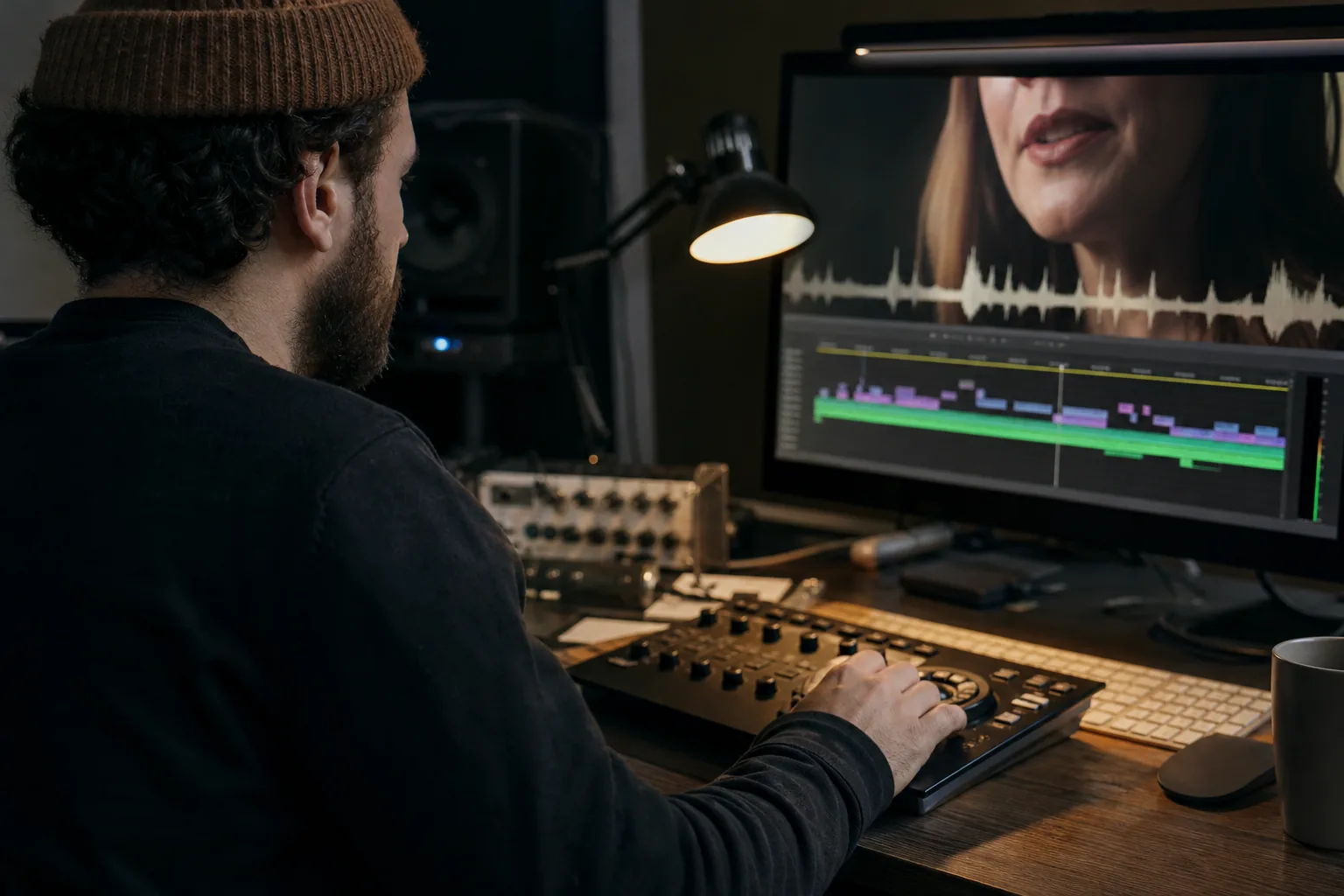
Why weekly YouTube creators burn out on filming
The script is ready, but the camera battery is flat, the light has changed and the microphone picks up traffic. After setup come the takes, the pauses you cut out and the edit that turns a short update into another production session.
A weekly channel also needs more than its main upload. Shorts, intros, sponsor reads and community updates compete for the same filming time. Educators postpone a useful explanation. B2B founders miss a product update. Consultants and course creators lose time they need for clients. IdClone moves those repeatable presenter segments into a script workflow, so publishing does not always depend on your availability in front of a camera.
What to publish with your own YouTube avatar
Use your avatar for videos where the message changes more often than the presentation.
- Shorts that answer a viewer question or explain a specific idea
- Video intros and outros tailored to each episode
- Sponsor reads you can re-record for each sponsor after reviewing the wording
- Channel trailers that explain who your content serves
- Weekly news and community updates between main uploads
- Explainer segments beside demonstrations or screen recordings
- Translated versions for Spanish, Portuguese, French, German and Japanese viewers
The honest hybrid is to film your flagship long videos yourself and let the clone cover Shorts, updates, inserts and translations. Your original research, demonstrations and judgment still drive the channel. The talking avatar workflow explains how your recorded face and voice become the presenter.
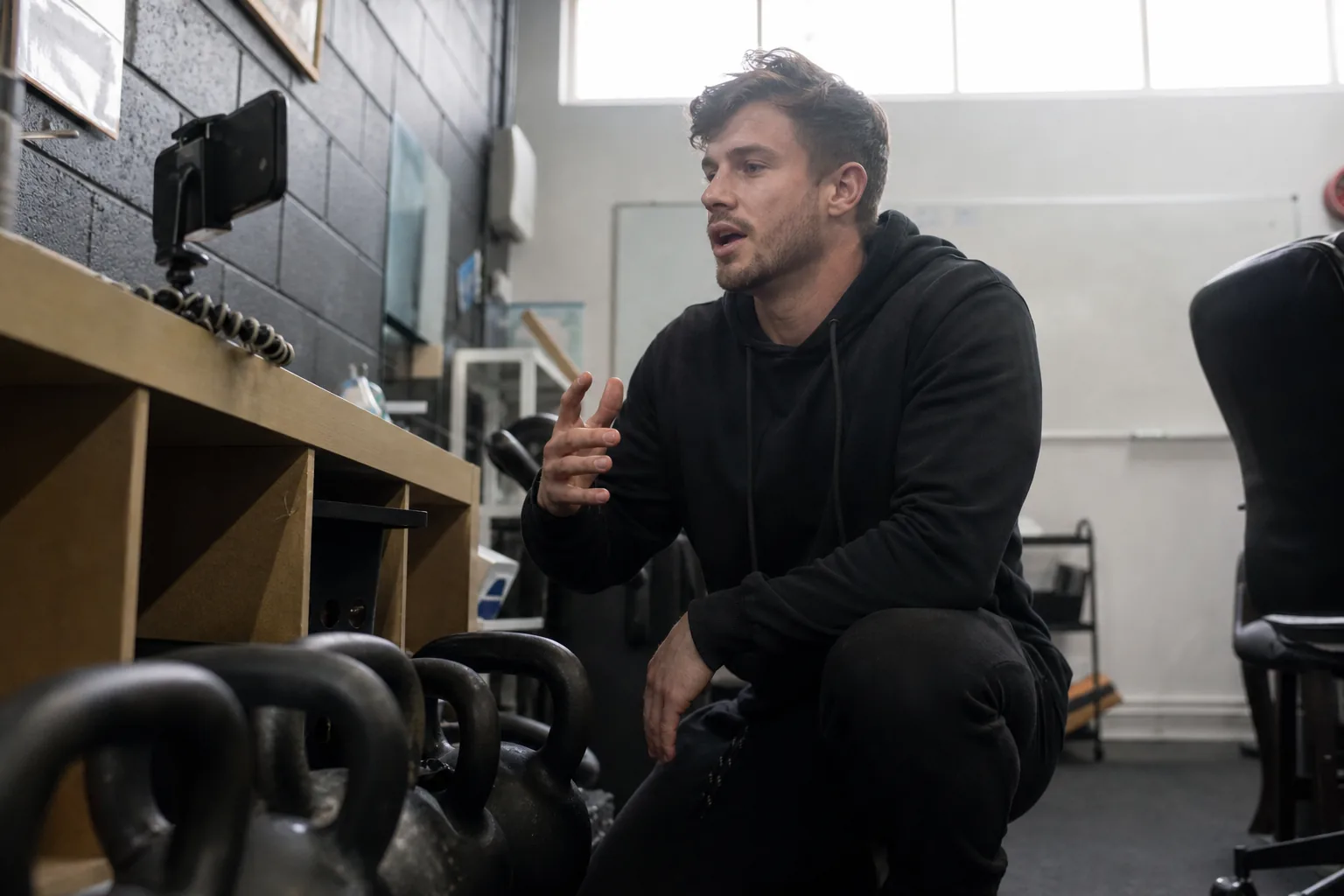
Step 1 record your clone with your own consent
Record a two minute video and a sixty second voice sample in your account. Use the background and framing you want viewers to recognize, with even light and clear sound. Follow the guide to creating an AI avatar of yourself before recording.
You then complete a live selfie check and read spoken consent with a one time phrase. Nobody can clone you from your public YouTube uploads. For an agency channel, the client presenter completes this recording and consent process personally. An editor can prepare scripts, but cannot substitute existing footage for the presenter's own consent.
Step 2 create AI avatar for YouTube videos from your script
Write or paste the script into the editor. It splits the text into scenes, estimates the length and shows the avatar video minutes needed before rendering. Read the script aloud to catch sentences that look clear on paper but sound awkward when spoken.
Choose the framing and add captions. Pro and above include a brand kit for your logo, colors, intro, outro and caption style. Keep presenter lines separate from instructions for screen recordings or demonstrations. If you only need narration over footage you already have, use voice cloning for your own narration and budget that audio separately from avatar video.
Step 3 render and upload to YouTube Studio
Render the approved scenes, then watch the finished file before uploading it to YouTube Studio. Check pronunciation, captions, lip sync and the handoff between your avatar and any footage you add in your edit. Every plan exports in 1080p, and Pro and above support 4K. Download the captions file for your upload as well.
Choose your title, thumbnail and description in YouTube Studio as usual. Review the AI disclosure during upload. IdClone creates the presenter video, while your editorial review and publishing choices remain part of running the channel.
Why your own face beats a stock avatar or a faceless channel
Subscribers subscribe to a person whose explanations they trust. Your face and voice connect a short answer to the same educator, founder or consultant they follow in longer videos. A stock presenter cannot bring that existing relationship to your script. A faceless format can suit a demonstration, but loses the recognizable speaker when a personal explanation matters.
IdClone only builds clones of people who record their own consent. Exports carry a visible AI-generated label and content credentials, so familiarity does not require hiding how a video is made. Explain your use of a verified clone to viewers and follow the consent and safety rules. Keep your opinions, examples and review in the process.
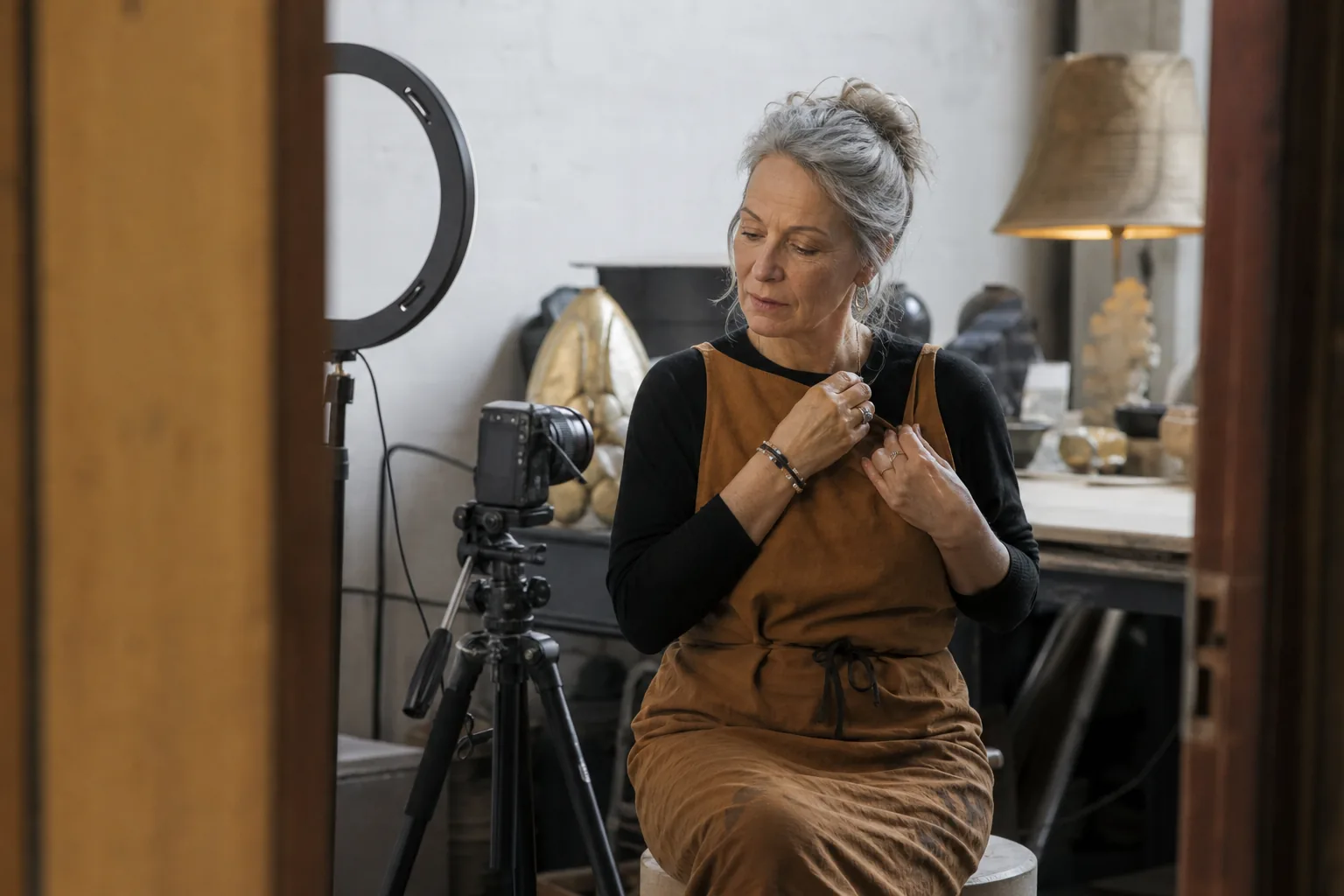
Monetization and the AI disclosure on YouTube
YouTube asks creators to disclose realistic altered or synthetic content in YouTube Studio when uploading. We recommend ticking that disclosure for avatar videos. Treat it as part of your upload checklist alongside checking the finished captions and description.
YouTube's monetization policies target mass-produced and repetitive content. An avatar of you presenting your own original scripts is judged like any other original video. The avatar does not replace the need for a useful idea, a developed explanation and your editorial judgment. Repeating generic scripts across uploads is not a sound channel strategy. We cannot promise monetization outcomes.
Filming every video yourself versus your IdClone avatar
| Task | Filming every video yourself | With your IdClone avatar |
|---|---|---|
| Weekly Short | Set up, record takes and edit | Review a short script and render |
| Sponsor read changed per sponsor | Record the changed wording again | Edit the sponsor script and render again |
| Fixing a mistake after upload | Film a correction for a revised edit | Render a corrected segment for a revised upload |
| Spanish version of a video | Record Spanish delivery or arrange dubbing | Review the translation and render in your voice |
| Channel update while traveling | Find a suitable place to film | Write and review an update in your workspace |
Rendering a correction creates a new file. It does not change a video already uploaded to YouTube. For language versions, the AI video translator lets you review the translated script before rendering. Each version uses its own finished video minutes.
Plans for YouTube creators who publish weekly
Starter costs $49 a month, or $24 a month billed yearly. It includes 8 avatar video minutes, 40 voice minutes and 10 languages. That covers about sixteen 30 second Shorts a month if all video minutes go to those Shorts. Translations and additional rendered versions use part of the same allowance.
Pro costs $149 a month, or $74 a month billed yearly, with 25 avatar video minutes, 120 voice minutes, 30+ languages, 4K and a brand kit. It covers two 10 minute videos with minutes left for short inserts, or a mix of Shorts, intros and updates. Count the avatar segments you actually render, rather than the total duration of a video containing other footage.
Business costs $499 a month, or $249 a month billed yearly, with five clones, 90 avatar video minutes, client workspaces and approvals. It fits agencies running several channels whose presenters each record their own consent. Compare allowances on plans and pricing. For lessons that also belong in a paid course, see the AI clone workflow for coaches and course creators.
Questions and answers
Can I use an AI avatar for YouTube videos
Yes. IdClone renders your own verified face and voice from scripts you write or approve. Use it for Shorts, intros, explainers and channel updates, then upload the exported file to YouTube Studio. Review every video and disclose realistic synthetic content when uploading, as YouTube asks creators to do.
Can you monetize YouTube videos with an AI avatar
Yes, avatar videos can be monetized, but we cannot promise approval or earnings. YouTube's monetization policies target mass-produced and repetitive content. Your own avatar presenting original scripts is judged like any other original video. Keep the ideas, examples and explanations original, and review each upload before publishing.
How do I create an AI avatar for my YouTube channel
Record a two minute video and a sixty second voice sample, complete a live selfie check and read the one time consent phrase. Then paste a script, review its scenes and estimated minutes, and render. Your AI avatar for YouTube channel updates uses your own face and voice.
What is the best AI avatar for YouTube videos
The best fit presents your message clearly in your own face and voice, with consent and a workflow you can review. IdClone suits creators who want a verified clone for recurring videos. Compare the finished presentation, caption options, language needs and monthly video minutes against your actual publishing schedule.
Do I have to disclose AI on YouTube
YouTube asks creators to disclose realistic altered or synthetic content in YouTube Studio when uploading. We recommend ticking that disclosure for avatar videos. IdClone exports also carry a visible AI-generated label and content credentials. Include the Studio disclosure as part of your review before you publish each video.
How long can my avatar videos be
Plan around the avatar video minutes available in your monthly allowance. Starter includes 8 minutes, Pro 25 and Business 90. Pro covers two 10 minute videos or a mix of shorter segments. The editor estimates duration before rendering, and each translated version counts separately toward the same allowance.
Give your next YouTube script a presenter
Paste the script for a Short, intro or channel update and preview its scenes, duration and minutes. Choose the plan that fits your publishing schedule, then record your verified clone to render videos in your own face and voice.