Talking avatar made from your own footage, not a stock cartoon
Most talking avatars are cartoons, stock presenters or a single photo with a moving mouth. IdClone takes a different route: your AI talking avatar is built from two minutes of real footage of you and sixty seconds of your voice, so when it speaks, it is your face, your gestures and your voice delivering the words you typed.
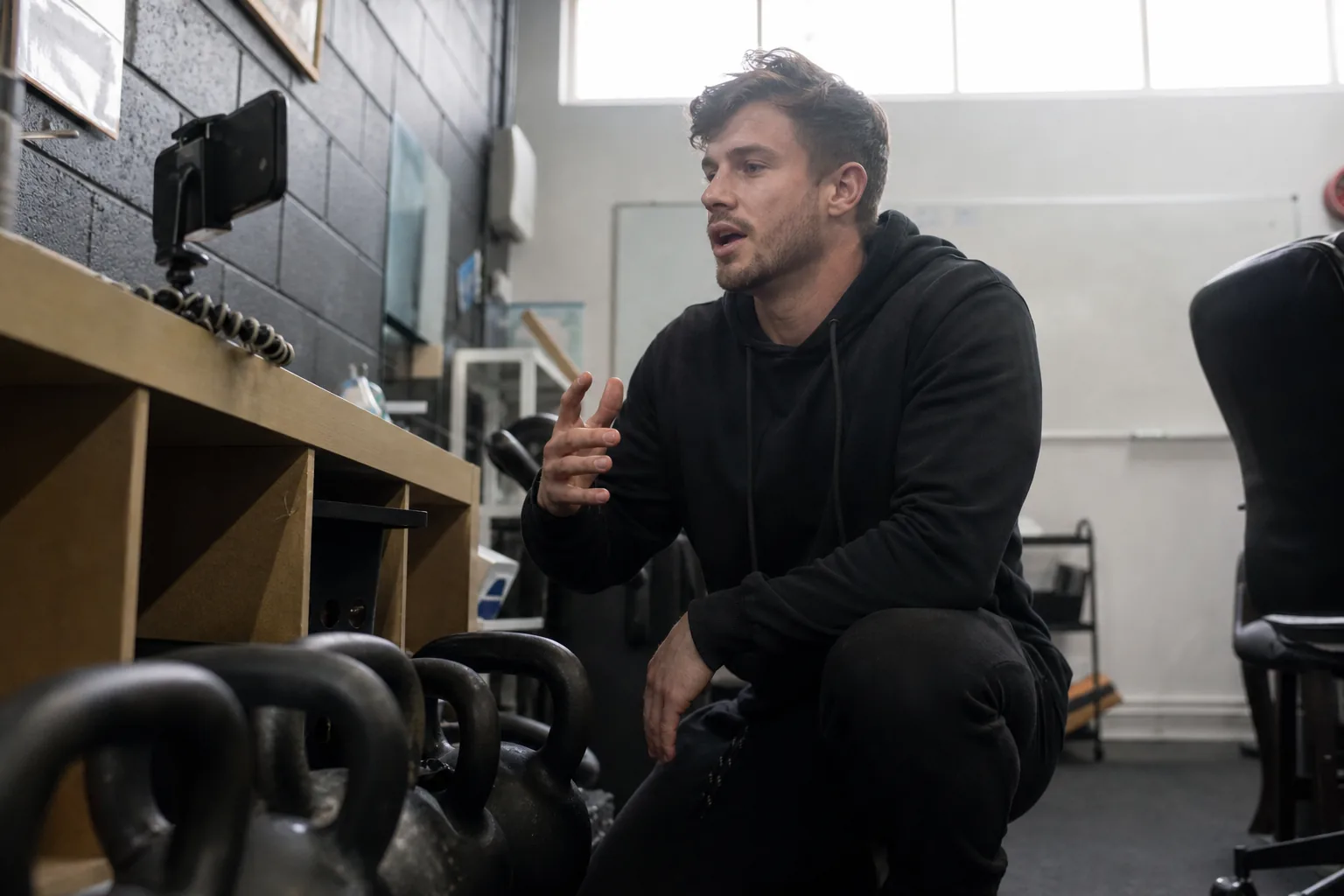
Why a photo with a moving mouth is not enough
A still image animated around the lips can work for a joke or a greeting card. It does not work when a customer, a new hire or a prospect is deciding whether to trust the person on screen. Viewers notice frozen shoulders, eyes that never blink in rhythm and a voice that belongs to nobody they know.
An IdClone talking avatar starts from video, not from a picture. The model learns how you hold your head, how you blink, how your expression shifts between sentences and how your mouth shapes each sound. The voice comes from your own sample, so tone and accent match the person people recognize.
Built from real video of you, not one portrait
Natural head movement and blinking taken from your own footage
Your own voice, not a library voice picked to sound close
Your framing and background, so it fits your other videos
From recording to a talking video of you
You record once and type every time after that. The whole setup fits in one short session at your desk.
The editor splits your script into scenes and works like a teleprompter, so you can see the pacing before rendering. A pronunciation dictionary on Pro and above keeps product names and surnames right every time. The full walkthrough is on how it works.
- 1Record a two minute video of yourself speaking naturally, with a phone or a webcam
- 2Record a sixty second voice sample, or upload WAV or MP3
- 3Take the live selfie check and read the one time consent phrase aloud
- 4Type a script, choose pace and framing, and render your talking avatar video
Where a talking avatar of you saves the most filming
The best uses are the videos you would otherwise record again and again with only small changes. Weekly product notes, onboarding welcomes for each new hire, short answers to common customer questions, course lessons that need a refresh, and intro clips for a podcast or newsletter.
Support teams use a talking avatar to answer the same question in the customer's language, presented by a real support lead instead of a faceless help article. Course creators update one lesson without setting up lights again. Agencies give each client a workspace where the client records their own avatar and consent, so videos stay on brand and on record. For a longer list of scenarios, see use cases, and for training content, the AI training video generator.
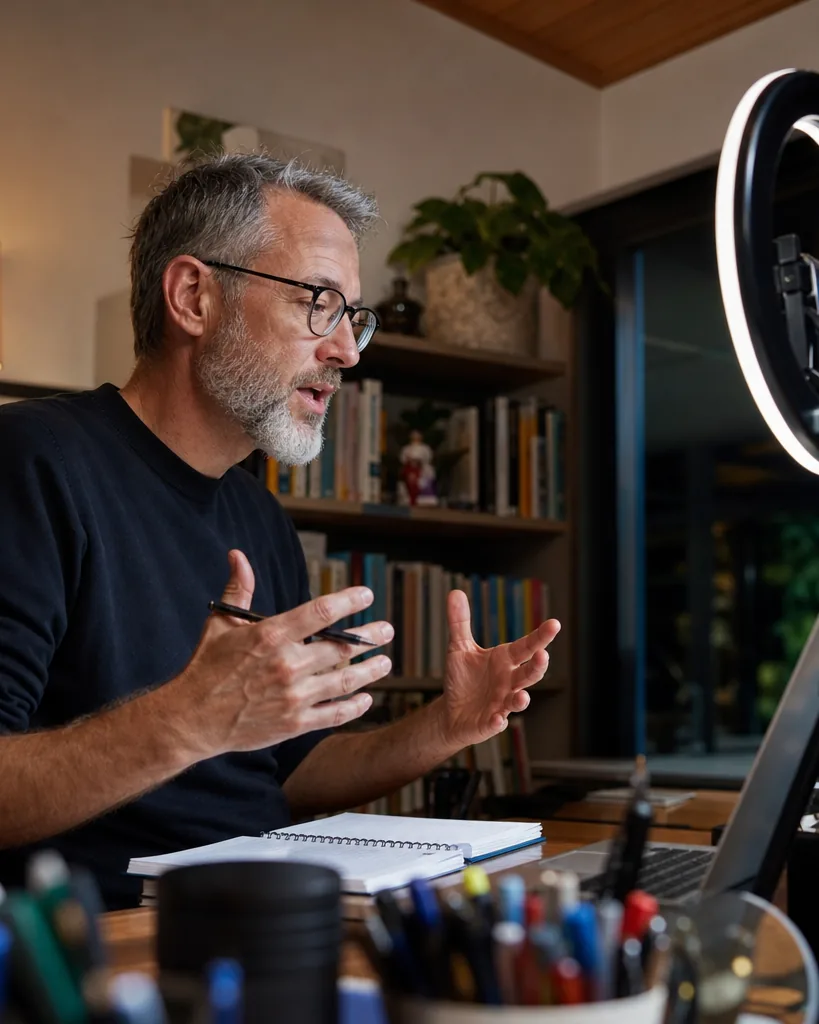
Your avatar speaks other languages with matching lips
Write the script once and pick the languages. IdClone translates the text, lets you review and edit every line, then renders your avatar speaking each version in your own voice with lip sync matched to that language. Starter covers ten languages and Pro and above cover more than thirty. Each translated version counts its length against your monthly video minutes, so a two minute script in three languages uses six minutes.
Only your own face, with consent on record
A talking avatar is a powerful tool, so it comes with firm limits. You can build an avatar of yourself, or of a teammate who records their own footage and consent from an invite sent to them. You cannot upload a clip of someone else and make them talk. Politicians, public figures and celebrities are blocked, and impersonation, deception, fraud and adult content are not allowed.
Every export can carry a visible AI-generated label and content credentials metadata. Recordings are used only to build and run your avatar, never to train shared models, and deleting the avatar removes its model files. Details are on consent and safety.
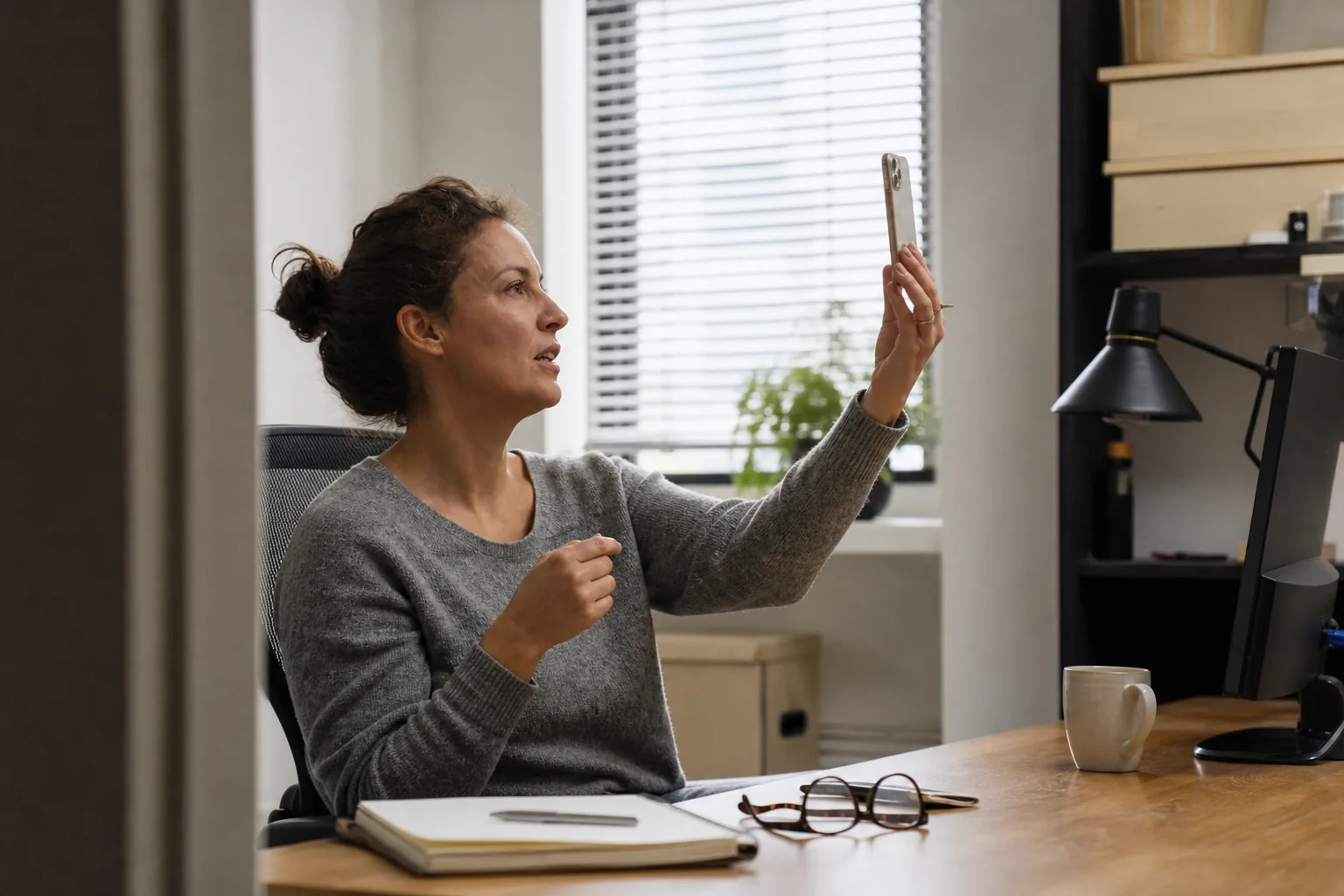
Small things that make your avatar look natural
Look slightly past the lens, as you would on a video call, rather than staring into it
Pause between sentences, the avatar learns your rhythm from these pauses
Keep your hands relaxed and in frame if you normally gesture
Record your voice sample in the same room, so the sound matches the picture
Avoid busy patterns on clothing, they distract more on video than in person
Pick the minutes you need each month
Starter at $49 a month, or $24 a month billed yearly, includes one avatar, 8 minutes of avatar video and 40 voice clone minutes. Pro at $149, or $74 yearly, includes two avatars, 25 video minutes, 120 voice minutes, 4K export and a brand kit. Business at $499, or $249 yearly, includes five avatars, 90 video minutes, roles, approvals and API access. Enterprise at $1,499, or $749 yearly, includes twenty avatars and 300 video minutes with SSO. Yearly billing saves 50 percent. See everything on pricing.
Questions and answers
Is this an animated cartoon character
No. Your talking avatar looks like you on camera because it is built from real video of you. There are no drawn characters and no stock presenters in IdClone.
Can I make a talking avatar from one photo
No. A photo does not show how you move or speak, so IdClone always starts from a two minute video and a voice sample. That is what keeps the result believable.
Does the avatar use my real voice
Yes. The voice comes from your own sixty second sample. You can also use the voice clone alone for voice-overs and export WAV or MP3.
Can my avatar speak languages I do not speak
Yes. You review the translated script before rendering, and the avatar speaks it in your voice with lip sync matched to the language.
Can I make a talking avatar of my manager
Only if your manager records their own footage and spoken consent from an invite sent to them. Nobody can build an avatar of another person from existing clips.
What does the preview show
The preview splits your script into scenes and estimates duration and minutes on a recorded sample. Rendering with your own avatar starts after you choose a plan.
See your script as a talking video plan
Paste a short script, choose the languages, and see the scenes and minutes it needs. Then create your account and record your avatar.