AI video generator for LinkedIn in your own face and voice
An AI video generator for LinkedIn should make videos that look and sound like you, because people on LinkedIn buy from people they recognize. With IdClone you record two minutes once, pass a live check and speak a consent phrase, then type a script and get a vertical or square video of your clone speaking it. Plans start at $49 a month, or $24 a month billed yearly, with 8 video minutes.
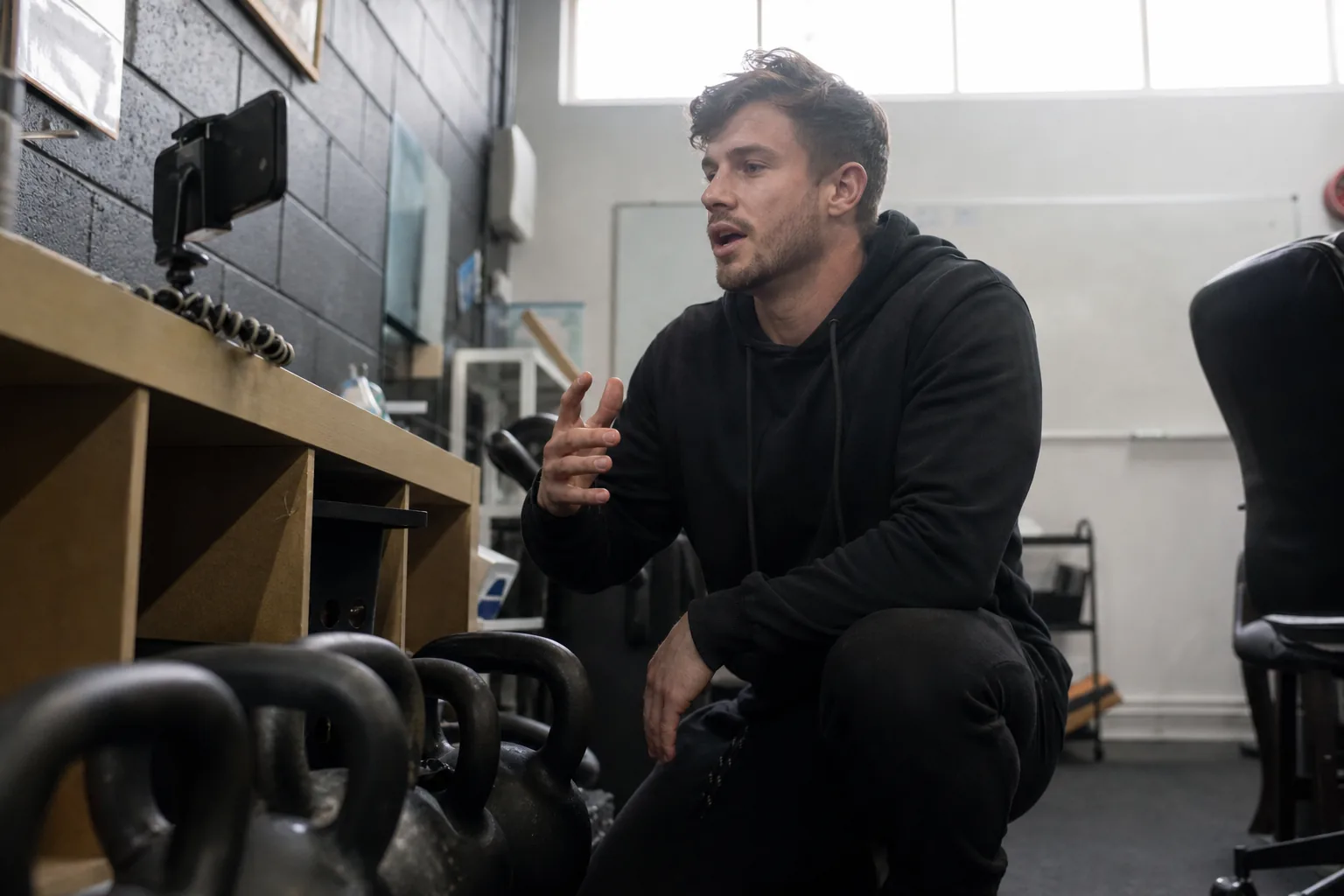
Why a stock avatar does not work on LinkedIn
LinkedIn is a network of named professionals. A post from a generic presenter that nobody has met earns a scroll. A 40 second video from the consultant, founder or recruiter whose name is on the post earns a reply, a connection request and sometimes a call.
Most AI video tools were built for the opposite job: anonymous explainer videos with a catalog actor. They are fine for an internal training module. They are weak for personal selling, where the whole point is that the viewer sees you. A clone of your own face and voice keeps the recognition and removes the filming.
What professionals post with a LinkedIn video clone
Use your clone for the videos you know you should send but never film.
- Weekly posts with one idea, one example and one question at the end
- Connection request and follow up videos for accounts you want to win
- Thank you and welcome videos after a meeting, a webinar or a signup
- Product update and launch announcements from the founder
- Hiring posts where the recruiter or the hiring manager speaks to candidates
- Spanish versions of your best posts for the US Hispanic market and your partners abroad
Keep the posts that need your reaction live. Comments, replies and DMs are where the deal closes. The clone handles the scripted video around them. If you sell homes, AI clone for real estate agents shows the same idea for listing videos, and AI clone sales videos covers outreach that goes one to one.
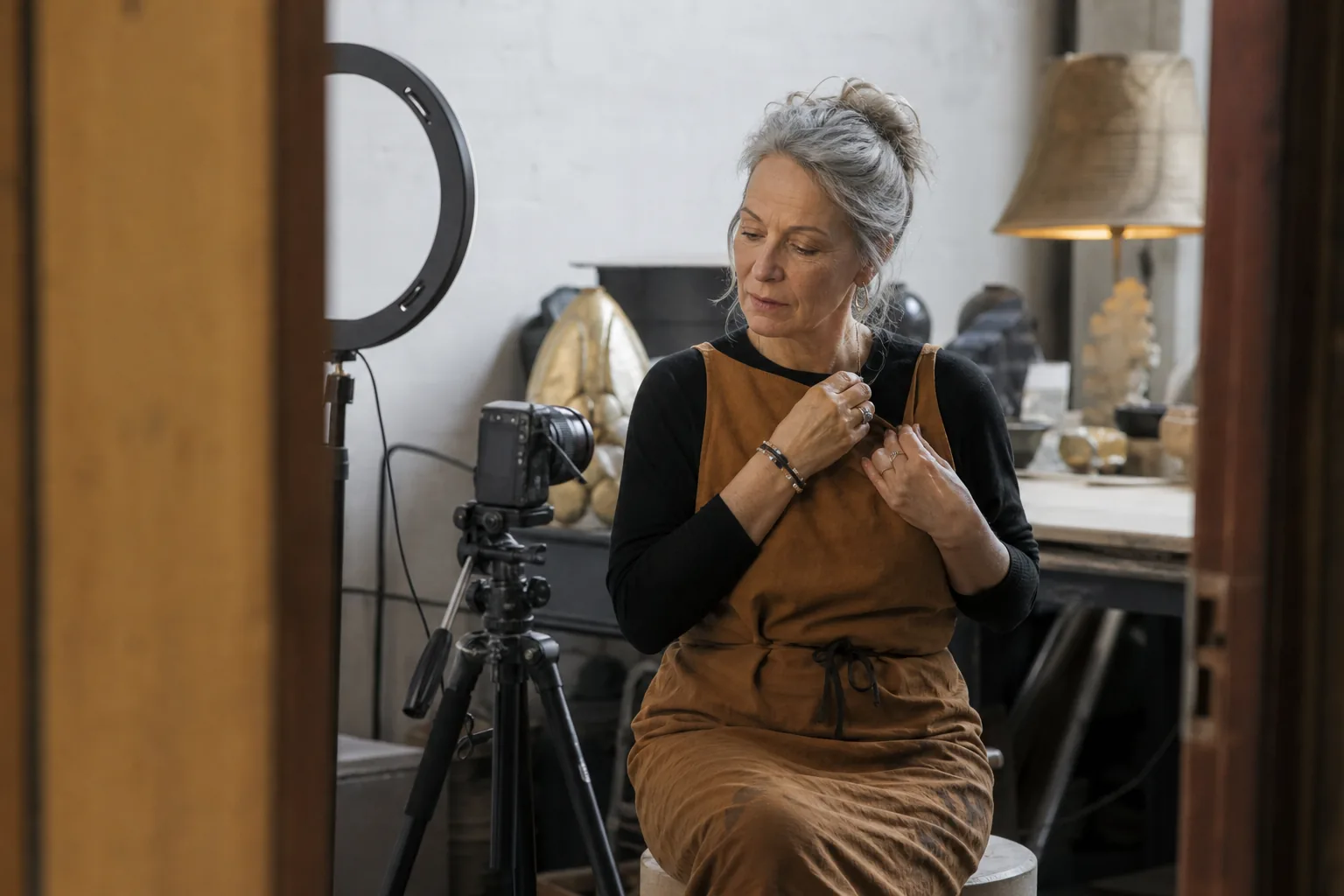
Step 1 record two minutes of yourself with consent
Record two minutes with your phone or webcam in good light, then read a 60 second passage for the voice. You pass a live check and speak a consent phrase that is unique to your session, so nobody can clone you from your public posts and you cannot clone a colleague. See consent and safety for how this works.
You do this once. Every later video starts from the saved clone, not from a new shoot.
Step 2 type a script that fits the feed
Write for a viewer with sound off in a meeting. Open with the result in the first sentence, keep each sentence under 15 words and finish with one question. A 30 to 60 second video is about 80 to 160 words. Read it aloud before you render, because a clone reads exactly what you typed.
Preview first. Every plan shows the preview and the minutes it will use before you commit them.
Step 3 export a video ready for the LinkedIn feed
Export an MP4 in the format you post: vertical for mobile reach or square for the feed. Add captions from the same script so the video works without sound. Upload natively to LinkedIn, because native video usually gets more distribution than a link to another site.
Every IdClone export carries an AI label and content credentials, and your consent record stays with your clone. Tell your audience in one line that the video is generated from your own recording, which builds trust instead of costing it.
What a LinkedIn video clone costs per video
Video clone minutes count the finished video. A professional who posts three 45 second videos a week uses about 9 minutes a month.
| Plan | Price | Video clone minutes per month | What it covers |
|---|---|---|---|
| Starter | $49 a month, or $24 billed yearly | 8 | A few short videos a week for one professional |
| Pro | $149 a month, or $74 billed yearly | 25 | Daily posting, follow up videos and Spanish versions, with 30+ languages |
| Business | $499 a month, or $249 billed yearly | 90 | A sales or recruiting team with shared clones and 10 seats |
| Enterprise | $1,499 a month, or $749 billed yearly | 300 | Large teams with SSO and audit log export |
A re-render counts again, so preview the script before the final render. Compare every allowance on plans and pricing. If you are evaluating other tools, HeyGen alternative and Synthesia alternative show where the plans differ.
Post the same video in Spanish and other languages
A clone can speak Spanish and other languages in your own voice, with the lips adjusted to the new language. Starter covers 10 languages and Pro and above cover 30+. Have a fluent speaker review the translated script, then render it as a separate video. The AI lip sync page explains how the mouth movement follows the new words.

Who it fits and who should keep filming
A LinkedIn video clone pays off for consultants, agency owners, founders, recruiters and sales reps who post weekly and sell on trust. It is a weaker fit for live commentary, event coverage and emotional stories, where the camera moment is the content. For a broader look at the product, see the AI avatar video generator and the AI digital twin.
Questions and answers
What is the best AI video generator for LinkedIn?
The best one makes videos with your own face and voice, because LinkedIn rewards recognizable people. Look for live consent, a short recording, captions, vertical and square export and a preview before you pay. IdClone starts at $49 a month, or $24 a month billed yearly.
Can I create an AI video for LinkedIn with my own face?
Yes. Record two minutes of yourself once, pass a live check and speak a consent phrase. IdClone then builds a clone that speaks any script you type, so you can post new videos without filming again.
How long should an AI video for LinkedIn be?
Most business posts work at 30 to 60 seconds, which is about 80 to 160 words of script. Put the result in the first sentence, add captions and end with one question. Longer videos suit product demos and training.
How much does a LinkedIn video clone cost?
IdClone starts at $49 a month, or $24 a month billed yearly, with 8 video minutes. That covers around ten 45 second videos. Pro at $149 a month includes 25 video minutes and 30+ languages.
Will LinkedIn accept AI generated video?
LinkedIn allows AI generated content, and many professionals post it. Be honest that the video is generated from your own recording. IdClone exports carry an AI label and content credentials, which helps when a platform or a client asks.
Is it legal to clone my face for LinkedIn videos?
Cloning your own face and voice is legal in the US. Cloning someone else without permission can violate right of publicity laws and platform rules. Keep your consent record and read is voice cloning legal before you use clones in regulated industries.
Send your next LinkedIn video without filming it
Paste a short script, preview the result and see how many minutes it uses. Then choose the plan that fits your posting rhythm and record your verified clone once.